

Read this before you plan anything
Two other things that surprise people:- The LiveChat widget and TikTok cannot send broadcasts. If a campaign needs to reach widget visitors, it has to reach them on a channel they also use. DMLY says it plainly: “Broadcasts aren’t available on Live Chat or TikTok. Switch to WhatsApp, Facebook, Instagram, SMS or Telegram.”
- Facebook Messenger and Instagram have no templates. They have their own reply window instead; see the table below.
The channels
Each of these has a guide of its own.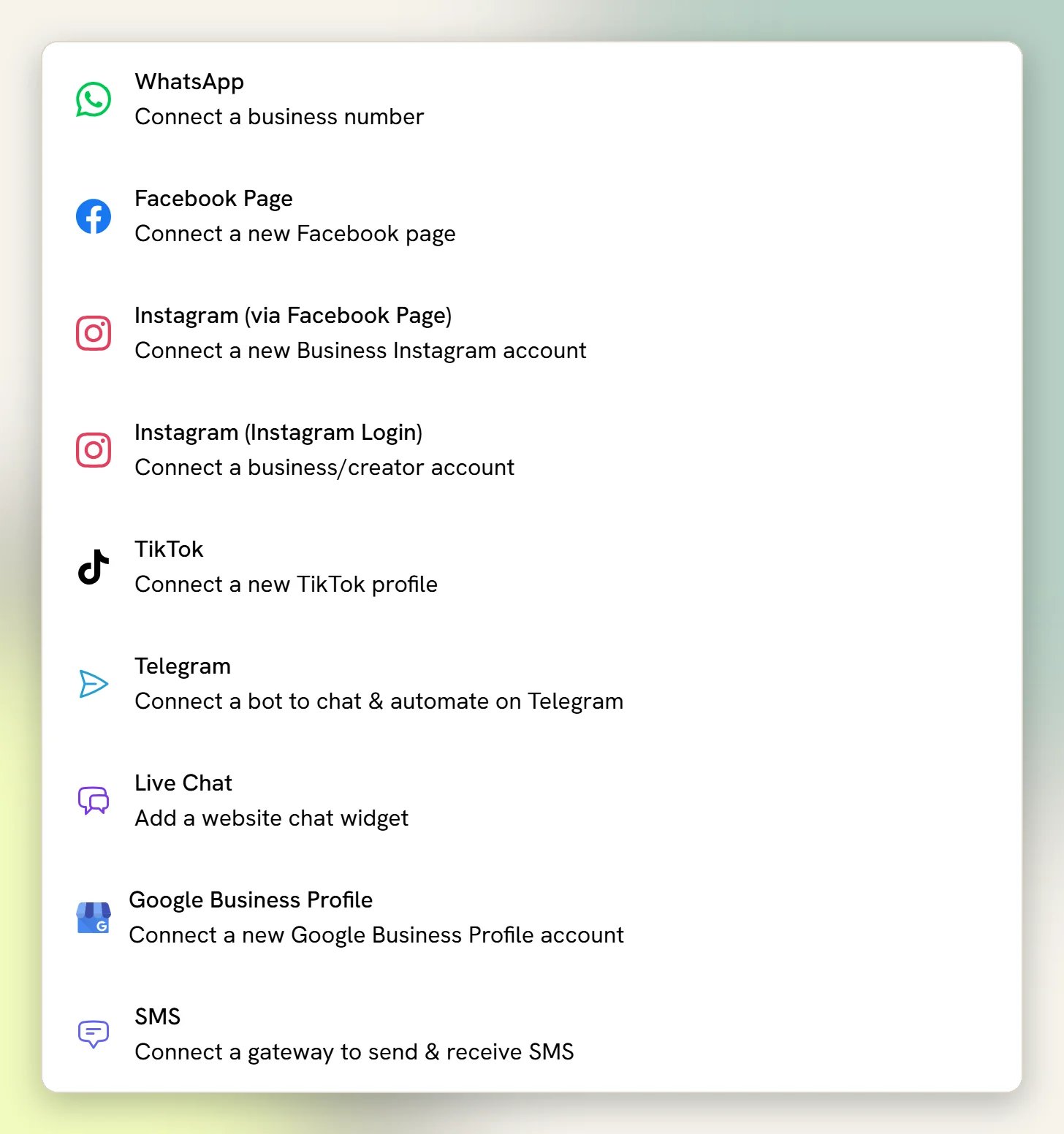
Your business number. Inbox, broadcasts, templates, voice calling, catalogue. Start here.
Facebook Messenger
Chats from your Facebook page, answered in the same Inbox.
Instagram DMs from your business account.
Telegram
A Telegram bot for customers who prefer it.
LiveChat widget
A chat bubble on your own website. Good for visitors who are not on a messaging app.
SMS
Twilio, Plivo or a custom HTTP gateway. No sending window and no templates.
TikTok
DMs and video comments in your Inbox. No broadcasts, and a 48-hour reply window.
Google Business Profile
Your Google listing: reviews and posts, not customer chat. Powers Reputation.
What each channel can do
WhatsApp gives you the same 24 hours whether the reply comes from a bot or from you;
there is no human-agent extension.
How to choose
1
Connect WhatsApp first
It is where most SMB customers already are, and it is the only channel with approved
templates, the way to reach a contact once the 24-hour window has closed. Everything
else in DMLY (appointment reminders, invoices, review requests) assumes it.
See Connect WhatsApp.
2
Add the channel your customers already message you on
If your enquiries come through your Facebook page or Instagram DMs, connect those next
so they stop living in a separate app. Both land in the same Inbox with the same
contacts, tags, and flows.
3
Add the widget if people browse your site before they buy
The LiveChat widget catches visitors who will not open a messaging app. Remember it
cannot be broadcast to.
4
Connect Google Business Profile for reviews
Not for chat, but for collecting and replying to Google reviews. See
Connect Google Business Profile.
Your plan decides what you can connect
Channels are plan-gated. If your plan does not include a channel, connecting it is blocked with a message telling you to upgrade.If a channel is connected but nothing arrives
This is the most common channel problem, and it is almost never something you did wrong in DMLY. Which page you need depends on the channel, because the causes have nothing in common: No inbound messages for WhatsApp, and Fix a silent Facebook Page or Instagram account for Messenger and Instagram. Read the right one before reconnecting anything.WhatsApp limits
Messaging tiers, quality rating, and what caps how many people you can start chats with.
Account disabled
What to do when Meta blocks your number or your channel loses its connection.
Messenger and Instagram silence
Four causes that all look the same, and which you can fix yourself.