

Invoice defaults
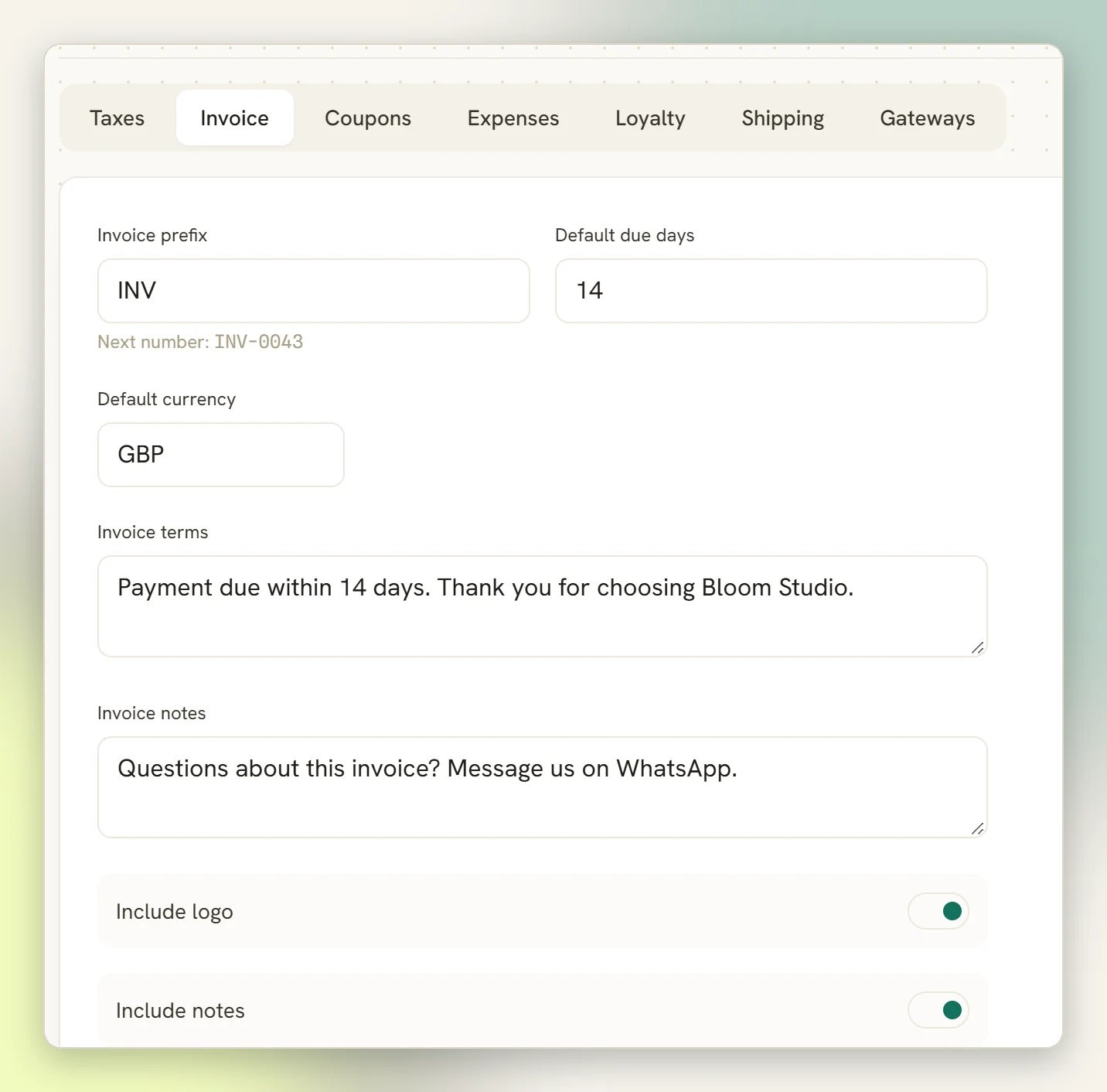
0. Left at 0, invoices are raised with no due date at all and
never go Overdue, so set it to 1 or more if you want due dates.
Your default terms are copied onto each new invoice too.
If you leave Default currency empty, DMLY works the currency out in order: the currency
on the invoice’s own lines, then your workspace’s business currency, then US dollars as a
last resort. Setting it explicitly is better than relying on that.
Document numbering
Each document type has its own prefix and its own running counter, per workspace. Out of the box:
Numbers are padded to four digits and are unique within your workspace: DMLY will never
issue the same number twice, even if two people create invoices at the same moment.
Only the Invoice prefix and the Expense prefix are editable: you set them on the
Invoice and Expenses tabs. The order prefix is fixed at
ORD and cannot be changed. Change a
prefix you can edit and it applies to documents created from then on; numbers already issued
keep the number they were given.
If your accountant needs a particular numbering format, agree it before you start
invoicing. There is no renumbering of documents you have already issued.
Invoice branding
The invoice PDF and print view are branded from your workspace’s business details, not from anything in Finance settings: your workspace name is used as the business name, along with your logo (unless Include logo is off), address, email, phone and registration number. Update your business details and every invoice you generate afterwards picks them up. The PDF downloads asinvoice-<number>.pdf, for example invoice-INV-0001.pdf.
Tax
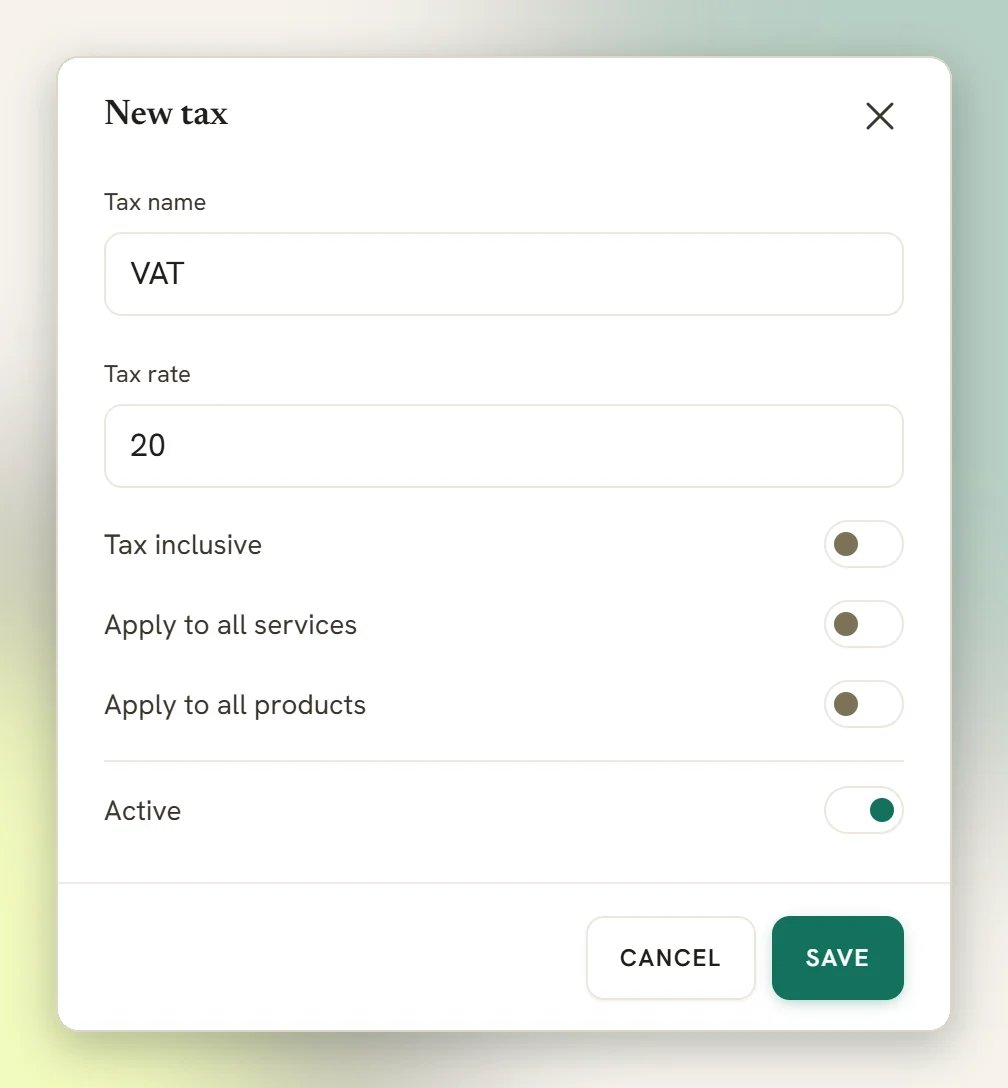
Three things about tax are worth knowing before you set a rate:- A Service can override the workspace rate. When an invoice is generated from an appointment, a tax rate set on that Service wins over your workspace default. If a booking invoice shows tax you did not expect, check the Service before the workspace setting.
- Coupons come off before tax. A percentage coupon takes its percentage off the subtotal before tax, and tax is then worked out on what is left. A 10% coupon on a bill of 100 plus 20 tax takes off 10, and the tax drops to 18. See Coupons.
- Shipping is only taxed if you say so. See below.
Shipping
Shipping and other charges on an invoice are not taxed by default. Tax applies to them only when you turn on Apply tax to shipping, and then at your workspace’s default product tax rate (falling back to the default service rate) rather than at any line’s own rate. If your shipping charges should carry tax in your country, turn it on before you invoice; an invoice already sent keeps the tax it was issued with.Gateways
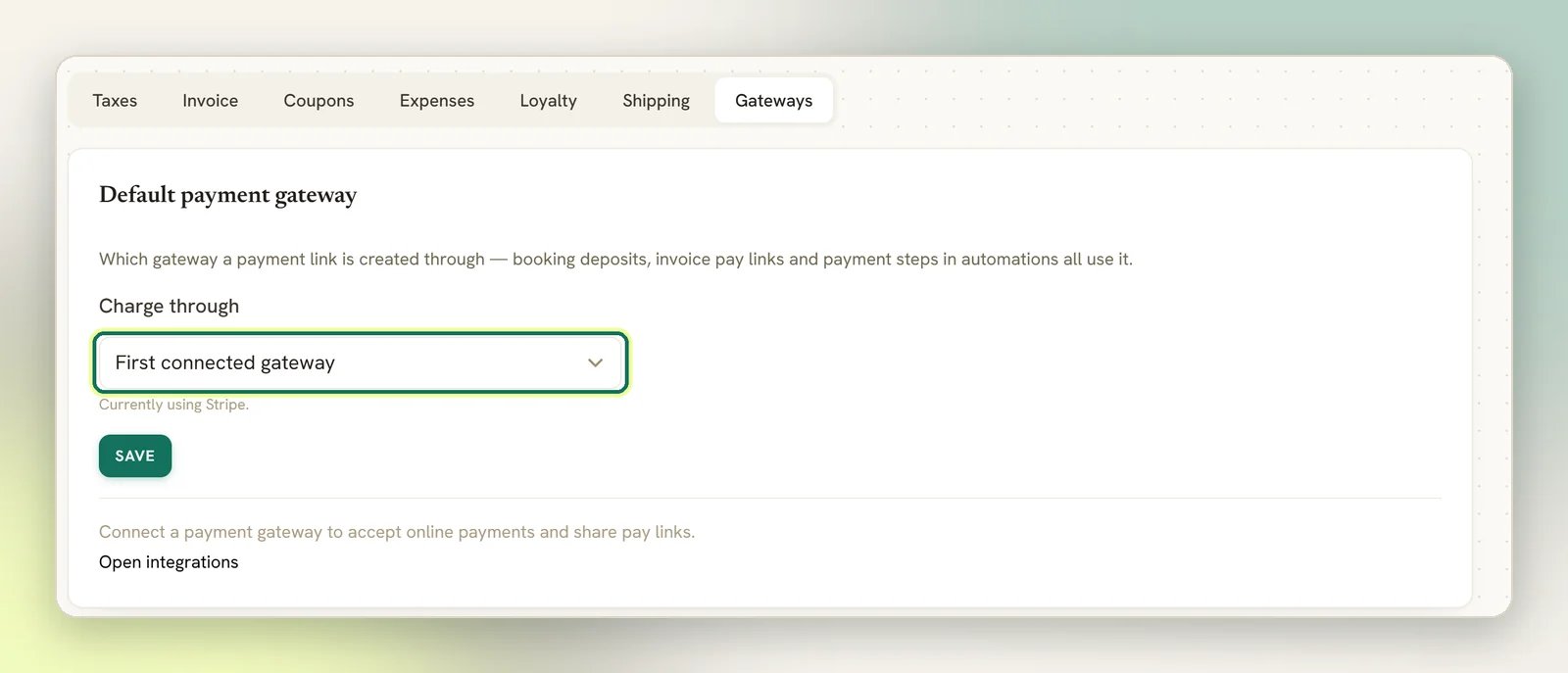
The Gateways tab holds two settings:- Default payment gateway: which connected gateway booking deposits, invoice pay links and payment steps in automations run through, and so which account the money lands in. Left blank, DMLY uses the first connected gateway.
- Bank account for manual transfers: the details DMLY types into the chat when a payment step asks for a bank transfer.
Tips
The Invoice tab also has Collect tips at checkout. Turn it on to show a tip step on the hosted pay page before the client checks out.Expense classification
Your vendors, expense categories and expense accounts are also managed under Finance settings. They are the lists you pick from when recording an expense. See Expenses.What is not here
Payment gateways
Connecting Stripe, PayPal, Paystack, Razorpay, MyFatoorah or Mercado Pago, and setting
each one’s webhook. Choosing the default gateway is on the Gateways tab above.
Prices
What you charge lives in Offerings. Finance settings only cover the defaults wrapped
around those prices.
Your own DMLY plan
Nothing on this page affects what you pay DMLY. That is a separate system.
Finance overview
How invoices, orders, subscriptions and payments fit together.