

- You segment on a custom field through a segment, not a filter box. A segment’s Conditions builder has a Custom field rule, so a custom field can decide who is in a segment and therefore who receives a Broadcast. What it can’t do is filter on the spot: neither the contacts list nor the Broadcast wizard has a custom-field box, so you save the rule as a segment first, then select that segment (the contacts list has a segment filter, which is how you view the same group). Flows read them a third way: a Condition step can branch on a custom field, and a custom field can start an automation, either when its value changes or when a date field arrives. See Segments, automations and templates.
- The editor on a contact is a name-and-value box. It doesn’t offer your defined fields to pick from. When you save, a name that matches a defined field (ignoring case) is stored under the defined spelling, and the value is checked against that field’s type. A name that matches no definition becomes a one-off field on that contact.
Because the contact editor matches on the name you type, a typo makes a brand-new field on that one contact and nothing warns you. Case doesn’t matter for a defined field (
allergy is saved as Allergy), but spelling does. Agree on names with your team and type them the same way every time.The five types
When you define a field you pick one of five types:text, number, email, phone or date.
The type is enforced on the contact editor. A number must be numeric, an email must be a valid email address, a phone must look like a phone number, and a date must be readable as a date (it is stored as YYYY-MM-DD, so next tuesday becomes that date). A value that doesn’t fit is dropped with The value for X did not match the field type and was not saved. CSV import values are not type-checked.
One place a sloppy value does bite: a date field used by a Birthday / key date trigger is parsed as a date when the trigger runs. A value it can’t parse is skipped silently; the automation simply never fires for that contact, with no error to tell you why.
Define a field for your Workspace
1
Open the Custom fields tab
Go to Settings → Custom fields. Definitions live at the Workspace level and are shared across every channel; you don’t set them up again per WhatsApp number or per page.
2
Add the field
Give it a name and pick a type. Names are unique within a Workspace, so you can’t have two fields called 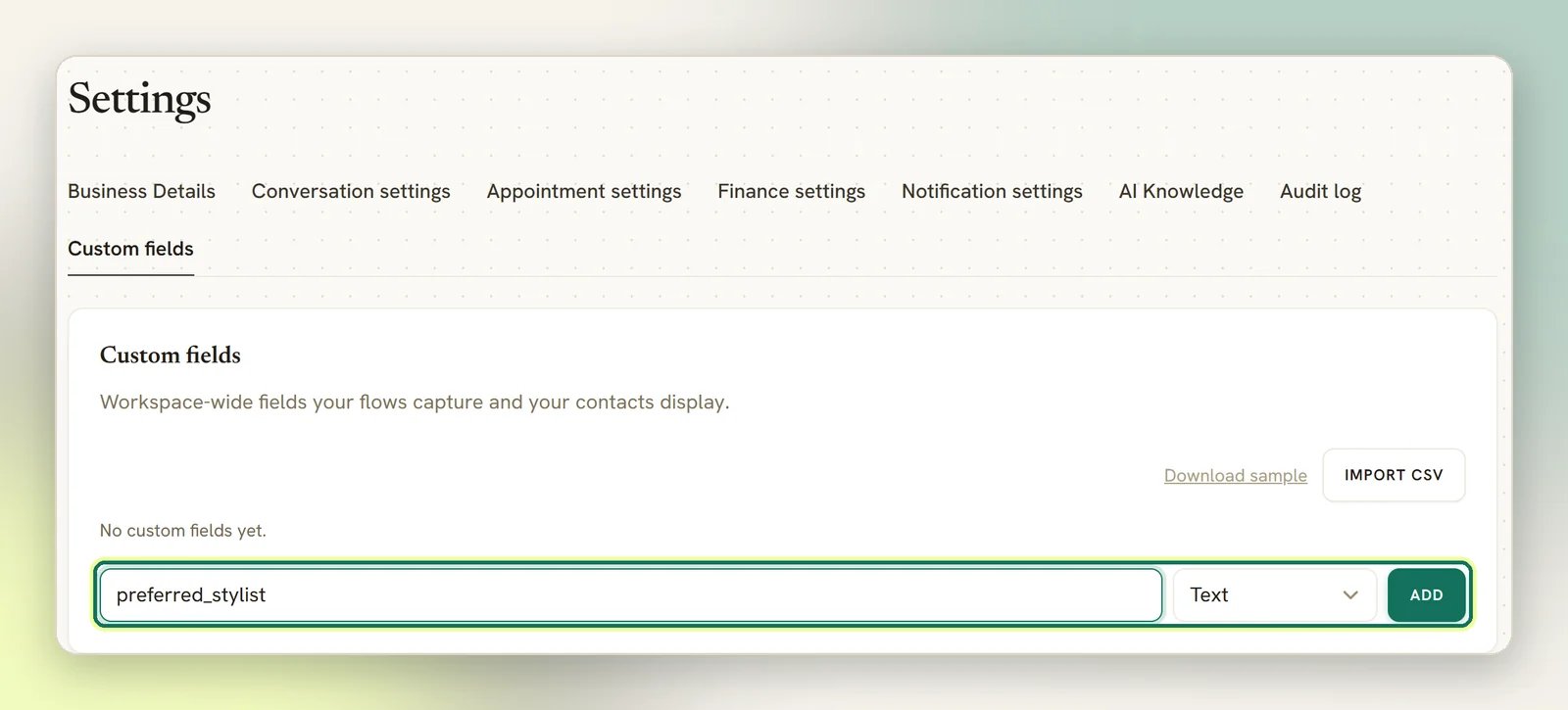
company.3
Or import a list
If you’re bringing a field list over from another system, you can import it from a CSV on the same tab, and download a sample file there to match the format.
Add a value to a contact
1
Open the contact
Go to Contacts and select View details on the person. Open the Profile tab (called Client profile for a client) and find Custom fields. With nothing set yet it reads No custom fields yet. Add one below.
2
Add a row
Select Add field, then fill in Field name and Value. Type the field name exactly as you defined it in Settings → Custom fields.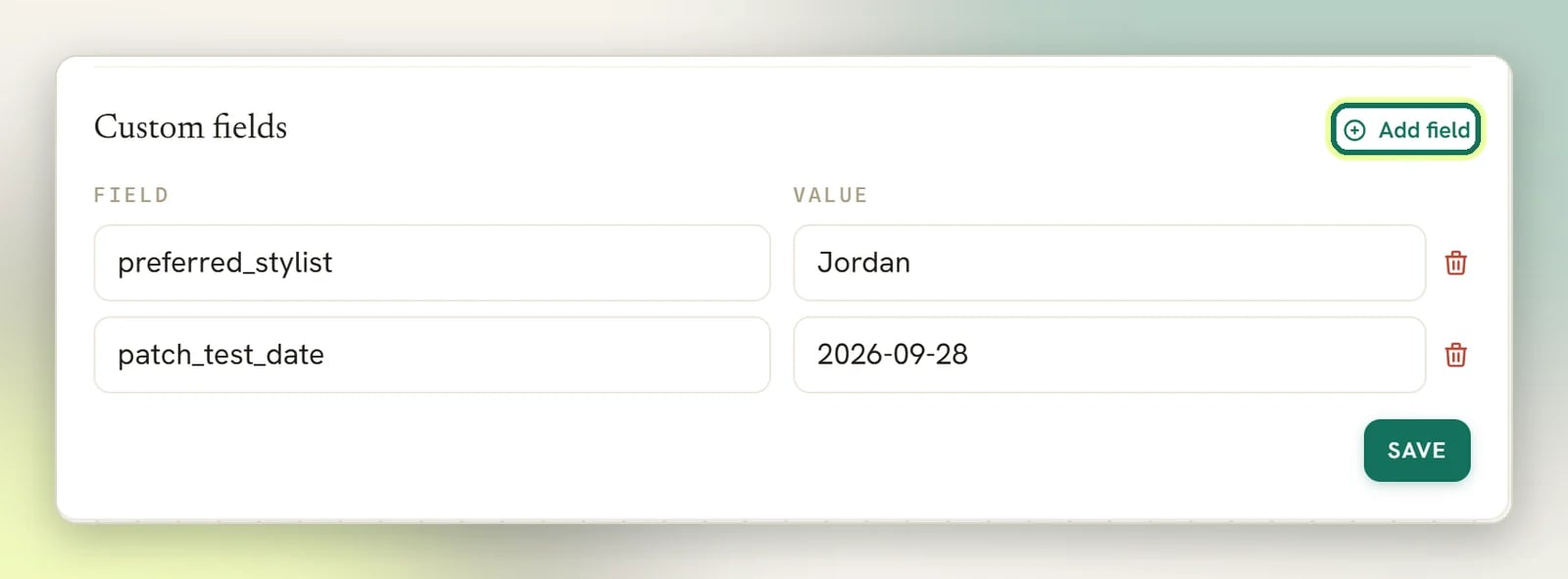
3
Save
The section saves as a whole set, not row by row. A row with an empty Field name is discarded when you save.
Where values also come from
You are not the only thing that writes custom fields. All three of these match on the field name, which is why consistent naming matters. Flows. This is the biggest writer of custom fields, and the field name is one you type into the node yourself. The User Input step has a Save answer to dropdown with a Custom field… option; pick it and you type the field name underneath. The Sync Contact step (in the Store (Shopify / WooCommerce) group) has a Set custom fields list, and the AI Reply step has a Set custom fields tool you can switch on. Plenty of the ready-made templates already do this: the shopping and support ones write fields likeshopping_interest, order_number and issue_summary. See Flow builder.
Booking forms. Booking form questions come from a fixed list; you can turn each one on or off and change its label, but you can’t add your own question. Four of them save their answer onto the contact as a custom field: Preferred Name, Identification Number, Address and Referral Source, landing in preferred_name, identification_number, address and referral_source. So a contact who books online can arrive with those already filled in. Not every question works this way: Date of Birth and Gender write to the contact’s own birthday and gender, and the emergency contact and additional notes answers are kept on the booking rather than the contact. A booking only fills a custom field that’s currently empty, so it never overwrites a value you already have.
CSV import. The contacts import file has a custom_fields column that takes a JSON object: the sample file uses {"company":"Acme"}. If the row matches someone you already have (by phone or email), custom fields are merged key by key and the values in your file win: a field already on the contact is overwritten with the imported value, and fields you don’t include are left alone. This is the opposite of how the import treats name, email and phone, which are only filled in when they’re blank. See Import contacts from a CSV.
The contacts export includes the same custom_fields column as JSON, so an export and re-import round-trips your fields.
Segments, automations and templates
Four things read your custom fields back out.- Segment on it. In the segment editor’s Conditions panel, select Add group, then Add condition, and pick Custom field from the Contact section. A second dropdown chooses which field, and the comparison offers is, is not, contains, does not contain, has any value, is empty, greater than, less than, at least and at most. The last four only mean anything on a field you actually fill in with numbers. That segment is then selectable as a Broadcast audience like any other. See Tags and segments.
- Branch on it. A Condition step in a Flow offers Custom field…, where you type the field name and test it with is, contains or has any value.
- Trigger on it. Two triggers read custom fields. Field changed starts a flow whenever a contact’s custom fields are updated, firing once for each field that changed. It can’t be narrowed to a particular field, so it fires for any of them, and a flow’s own writes are excluded: a User Input step, Sync Contact, the AI node’s field updates and a contact merge all save without firing it, so a field-writing flow can’t trigger itself. Birthday / key date is the other one; it takes a Date field (either
birthdayor the name of a custom date field, such asanniversary) and fires on the day, or a set number of days before it. See Contact events. - Put it in a message.
{{custom.<field>}}resolves to that field’s value on the contact you’re messaging, so a field you collected can be read back out in the text you send them. See Variables for where tokens work.
The segment builder’s field dropdown lists only the fields you defined under Settings → Custom fields. A value sitting on a contact under a name that isn’t on that list can’t be picked there, so no segment will ever match it. That covers a typo in the contact editor, a Flow node saving to a name you never defined, and the names a booking form writes (
preferred_name, identification_number, address, referral_source) if you haven’t defined them. Define the field first and anything that writes it later becomes segmentable.